The right office gift can make a familiar workspace more comfortable, useful, or enjoyable. These ten ideas span small desk upgrades and tools for people working from home or collaborating online.
Think about how the recipient works day to day: a tidy desk, a more adjustable setup, or a better way to plan can each make a thoughtful choice.
10 Practical Gift Ideas for Office Workers
Everlasting Comfort Memory Foam Foot Rest
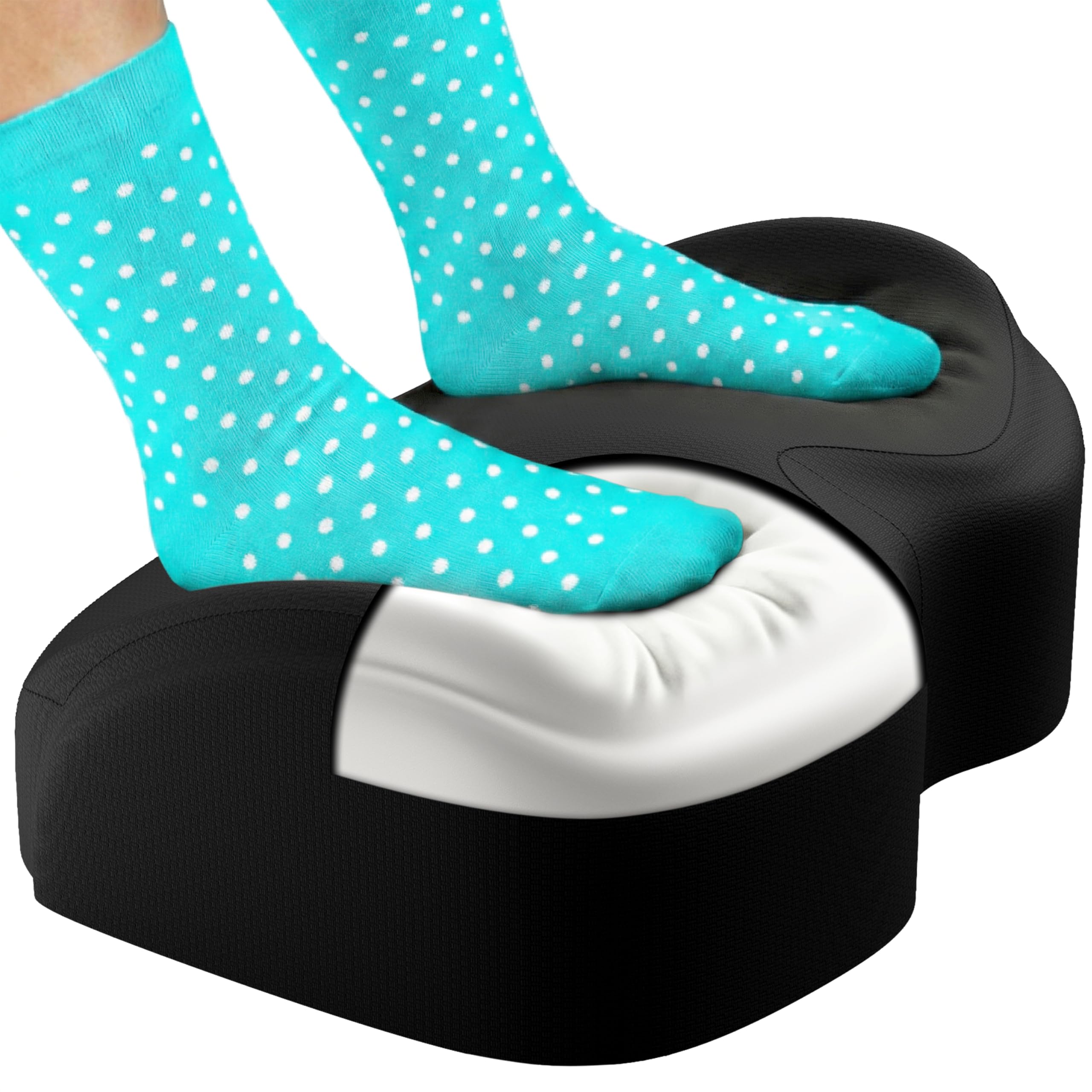
- Memory foam foot support for office, desk, or gaming use.
- The cover is machine washable.
- The non-slip base is made to stay in place on several floor surfaces.
Best Gift For: A coworker or remote worker who spends long stretches at a desk.

BESTEK USB Power Strip Tower
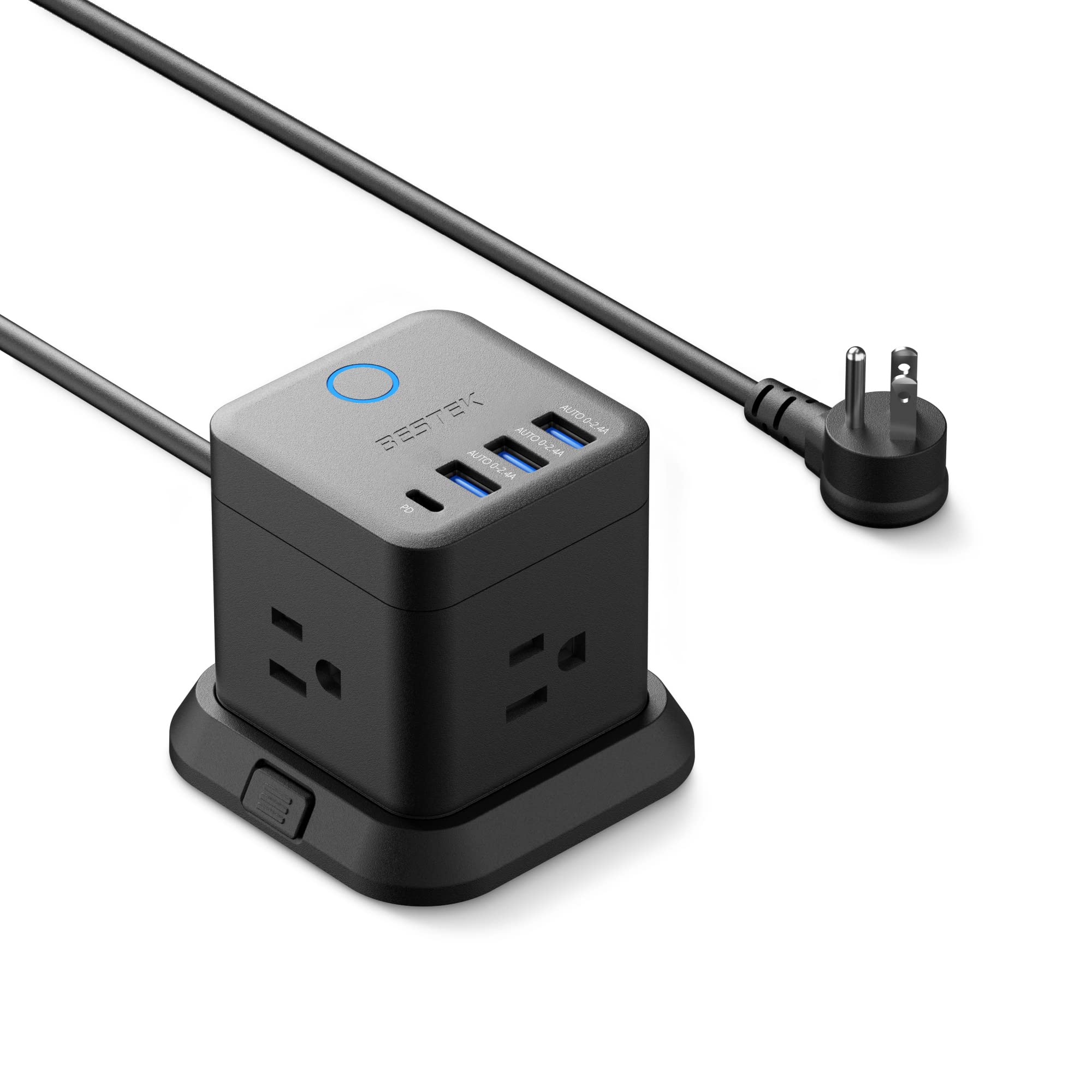
- Combines three outlets with USB-A and USB-C ports.
- The compact cube can be mounted on a desk, under a table, or on a wall.
- The flat plug is designed to fit narrow spaces.
Best Gift For: An office worker who wants to charge multiple devices from one desk area.
Clever Fox Planner PRO Light
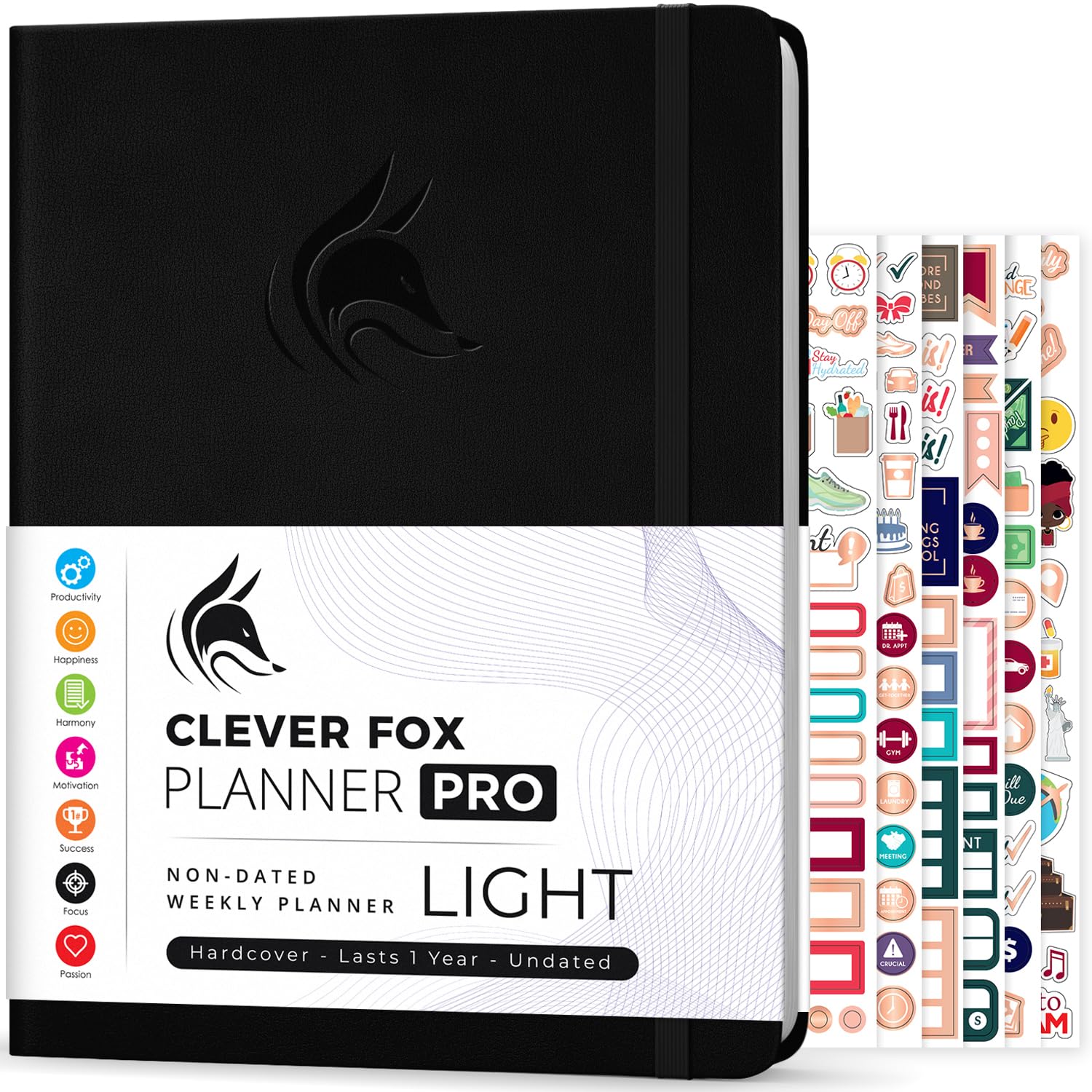
- Its undated layout lets the owner start at any time of year.
- The planner includes a quick-start guide and planning stickers.
- It is laid out for monthly, weekly, and daily planning.
Best Gift For: A colleague who likes mapping goals and organizing work in a planner.
Gaiatop USB Desk Fan
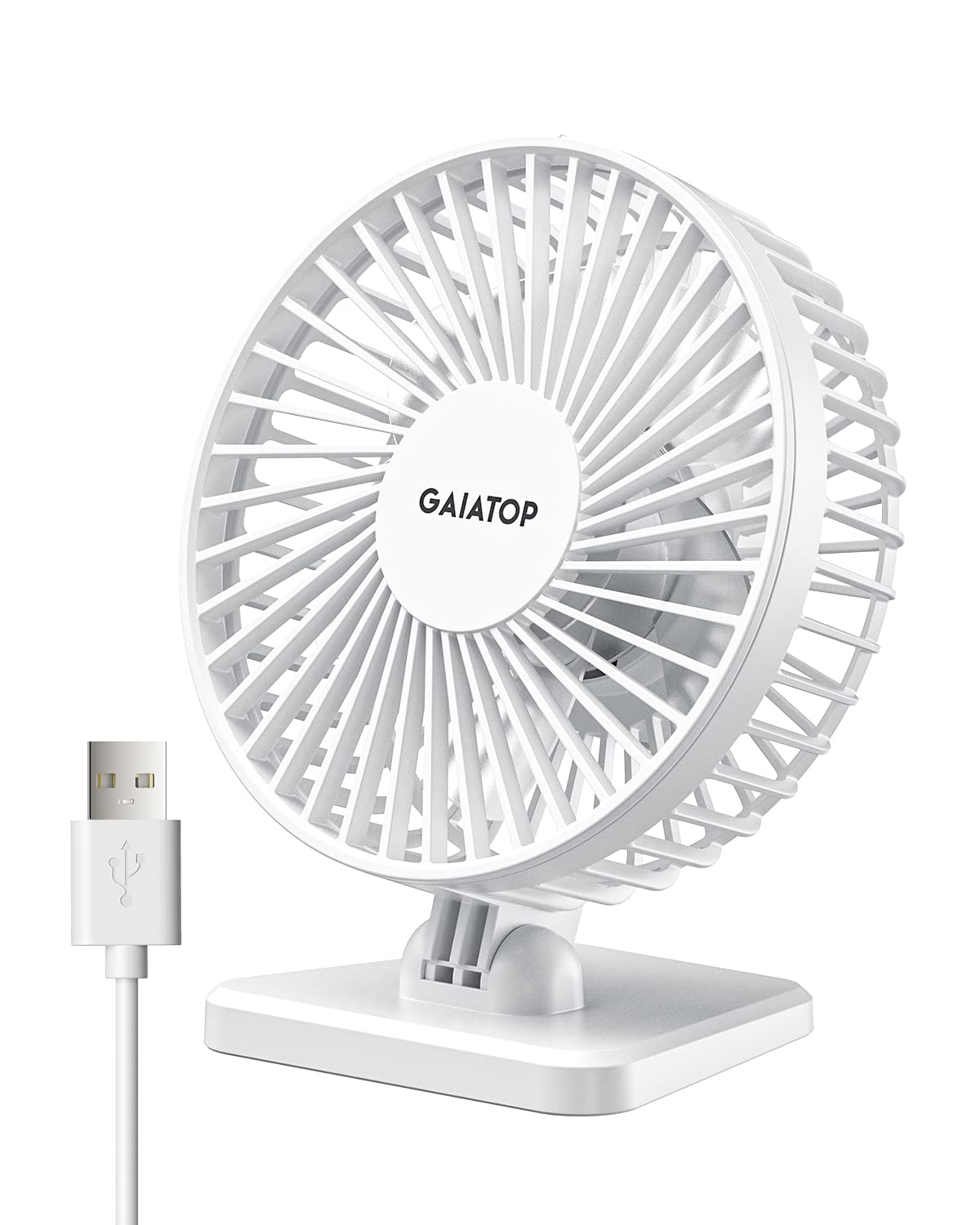
- Choose from low, medium, or high speed settings.
- The fan head can be angled vertically.
- USB power works with compatible computers, adapters, and other supplies.
Best Gift For: A desk worker who would appreciate a compact fan nearby during warm workdays.
Nulaxy Pull-Out Height Adjustable Laptop Stand

- The pull-out design adjusts laptop screen height for sitting or standing.
- It folds for compact storage and transport.
- The aluminum panel has ventilation holes.
Best Gift For: A laptop user who adjusts their desk between sitting and standing.
Syncwire Clear Cable Clips, 5-Pack
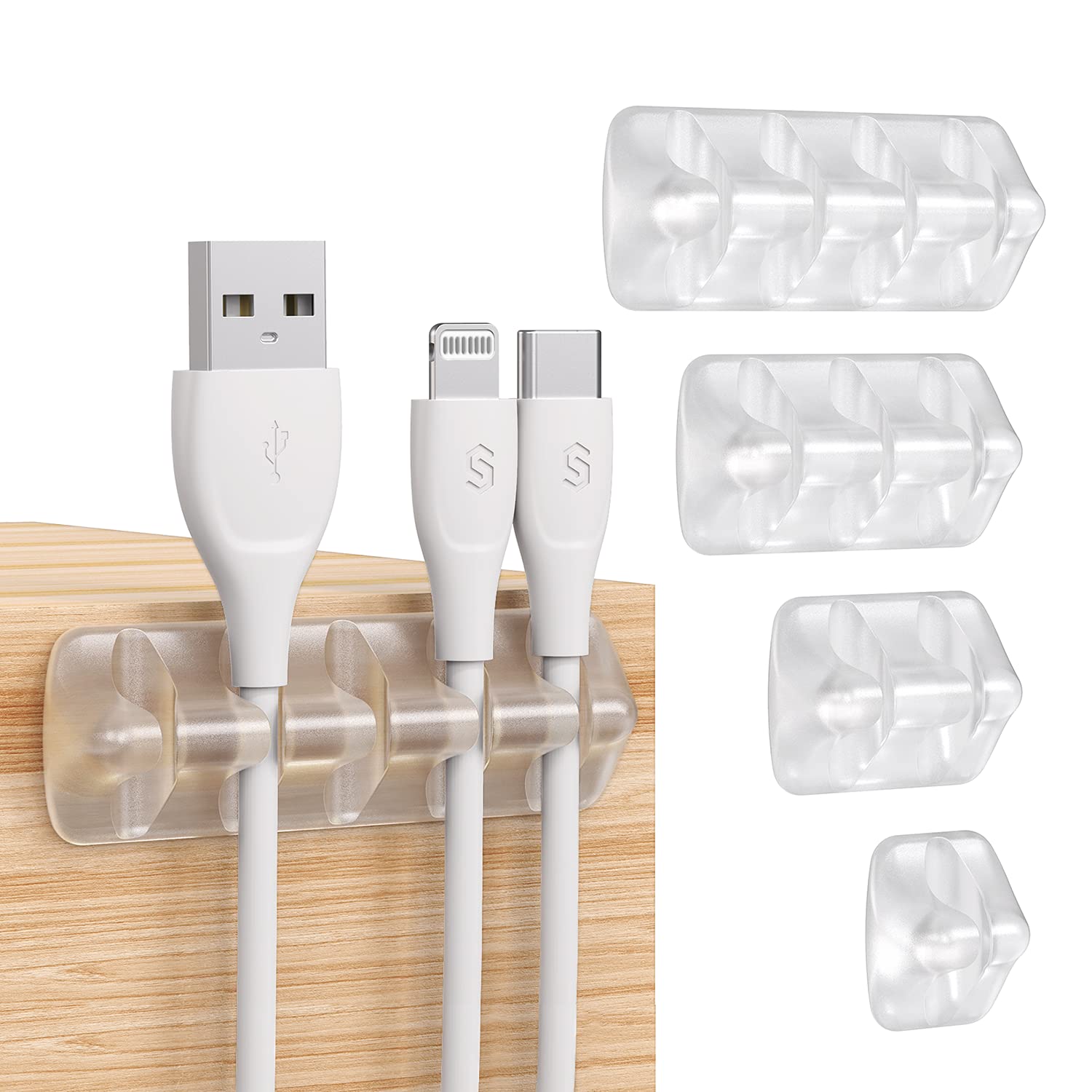
- The set includes five holders with fifteen slots.
- The adhesive pads attach to smooth, clean surfaces.
- The flexible silicone clips make it easier to insert cables.
Best Gift For: A colleague who wants charging and computer cables easier to manage at a desk.
SKYDUE Rotating Desk Organizer

- Five compartments provide desktop storage.
- The holder rotates for easier access to writing tools.
- It is designed to take up little desktop space.
Best Gift For: A coworker who keeps pens and small office supplies within reach.
HUANUO FlowLift Dual Monitor Stand

- The arms offer full-motion adjustment, including tilt, swivel, and rotation.
- Cable management guides wires along the arms.
- The desk mount offers clamp and grommet installation options.
Best Gift For: A colleague with two compatible monitors who wants to free up desk space.
FIFINE T669 USB Microphone Kit

- The USB microphone connects to a PC or laptop without extra hardware or drivers.
- The kit includes an adjustable boom arm and a double pop filter.
- The cardioid capsule captures audio from the front and avoids ambient noise when recording.
Best Gift For: A colleague who records podcasts, voiceovers, or online meetings at home.
TP-Link Archer AXE75 WiFi 6E Router

- The router supports three WiFi bands, including 6 GHz.
- OneMesh support can connect with a TP-Link OneMesh Extender.
- A modem is required for most internet service providers.
Best Gift For: A remote worker setting up a home office who has checked their network and modem needs.
Choosing practical office gifts for their workday
Start with the part of the recipient’s workday that could use a small improvement. Someone who stays at one desk may appreciate comfort or organization, while a person who shifts between tasks could get more use from flexible planning or an adjustable workstation.
These practical office gifts work best when they respond to a routine you have actually noticed.
Think about where the gift will live. A shared office desk may have limited space or rules about attaching things, while a home office may offer more room for equipment.
A compact accessory can be an easier fit when you are unsure about the recipient’s setup.
For technology gifts, check the devices and workspace before choosing. Confirm the connection type, monitor or laptop compatibility, desk setup, and any related equipment the person already uses.
A quick, casual question can prevent a thoughtful gift from becoming an awkward return.
Balance usefulness with budget
A modest gift can still feel carefully chosen when it solves a small, recurring annoyance. Desk organization, cable management, or a personal comfort item can be useful without turning a workplace gift into a major purchase.
Spend more only when you understand the recipient’s setup and the item offers a clear fit. Larger workspace equipment may require compatible devices, enough room, or a suitable desk.
Consider whether the recipient would welcome a bigger change to their work area before selecting a substantial upgrade.
Check actual prices as you shop, since costs can change. If you are buying for a team, set a comfortable per-person budget and keep gifts similar in usefulness and tone.
For a close coworker, a practical item paired with a handwritten note can make a simple present feel more personal.
Personalize practical office gifts
Personalization can come from matching a gift to a work habit rather than adding a name or decoration. For practical office gifts, think about whether your recipient plans on paper, works across several screens, joins frequent calls, or prefers a clear desktop.
That small observation helps a useful object feel selected for them.
If you are uncertain, choose something that does not depend on a specific device, desk, or personal taste. A note can explain why you chose it, such as hoping it makes their daily setup a little more comfortable or keeps a shared space in order.
Presentation can stay simple and workplace-appropriate. Use a reusable gift bag or neat wrapping, and include a short card that recognizes the recipient’s contribution or wishes them well in their new role.
Avoid jokes about productivity or clutter unless you know they will land warmly.
Make the gift easy to use
A useful office gift should not create extra setup work. If the item needs installation or compatibility checks, include a friendly note offering help, but leave the decision to the recipient.
For shared workspaces, make sure the gift can be used without disrupting coworkers or taking over common areas.
For equipment that connects to other devices, confirm the details before ordering and leave time to resolve a mismatch. Check current product information, connection needs, dimensions, desk fit, and any companion equipment the recipient may need.
That is especially helpful for gifts intended to change a workstation or network setup.
Keep the gift receipt or return information available when possible, and avoid removing packaging that might help if a fit issue comes up. This gives the recipient room to exchange an item while keeping the gesture comfortable and low pressure.
Last-minute office gift shopping
When time is short, choose a straightforward item that suits the recipient’s known routine and does not need extensive setup. A small desk accessory or planning tool may be easier to give than a larger technology change, particularly when you cannot confirm compatibility in advance.
Check current delivery estimates at checkout and leave a backup option if the timing is uncertain. Local shops, a card paired with a later gift, or a simple lunch invitation can still mark the occasion thoughtfully without promising a delivery date.
Before placing the order, verify the selected variant, dimensions, compatibility details, and return terms. A little attention at checkout can save the recipient from dealing with an unsuitable present and helps your gesture stay focused on their workday.